We use cookies for essential functionality and, with your consent, to show personalized ads. See our Privacy Policy.

Free Resume Templates — ATS‑Friendly & Professional
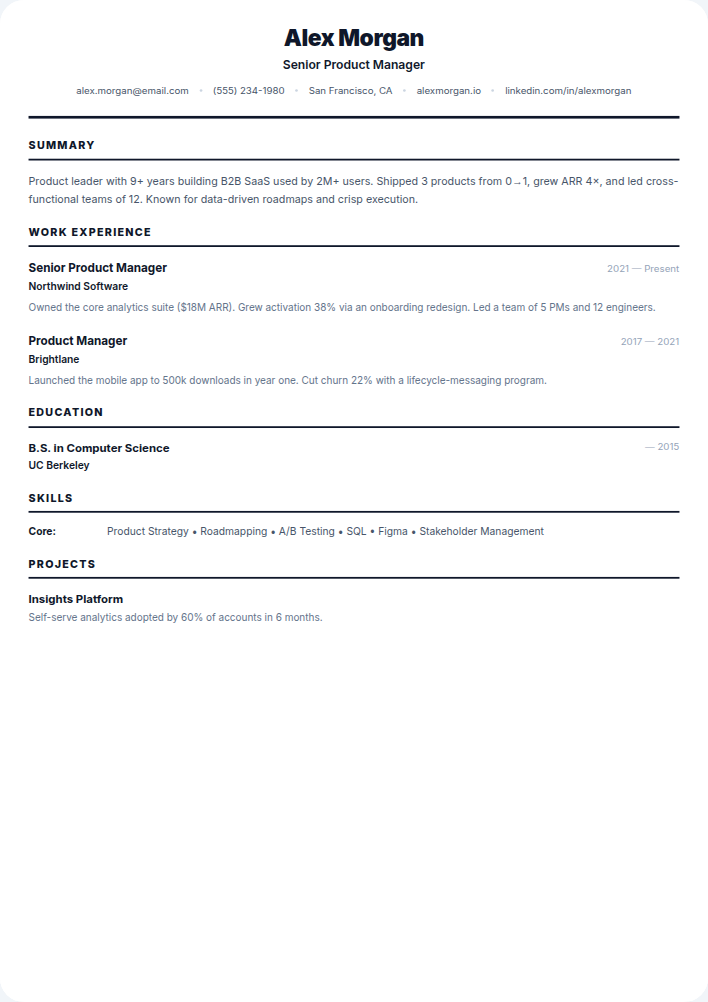
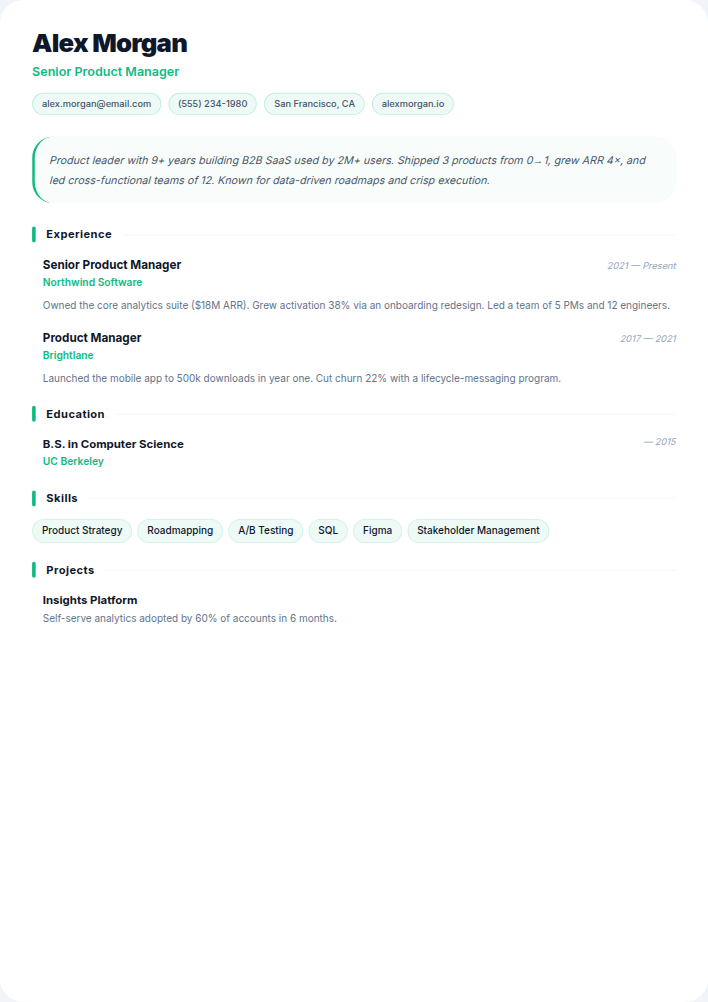
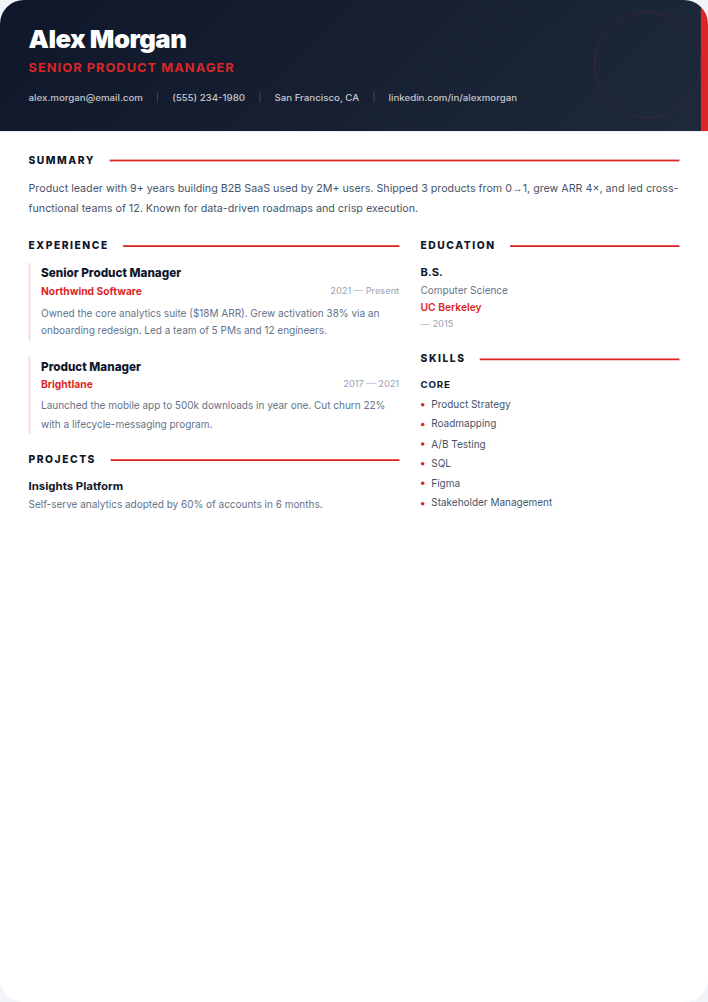
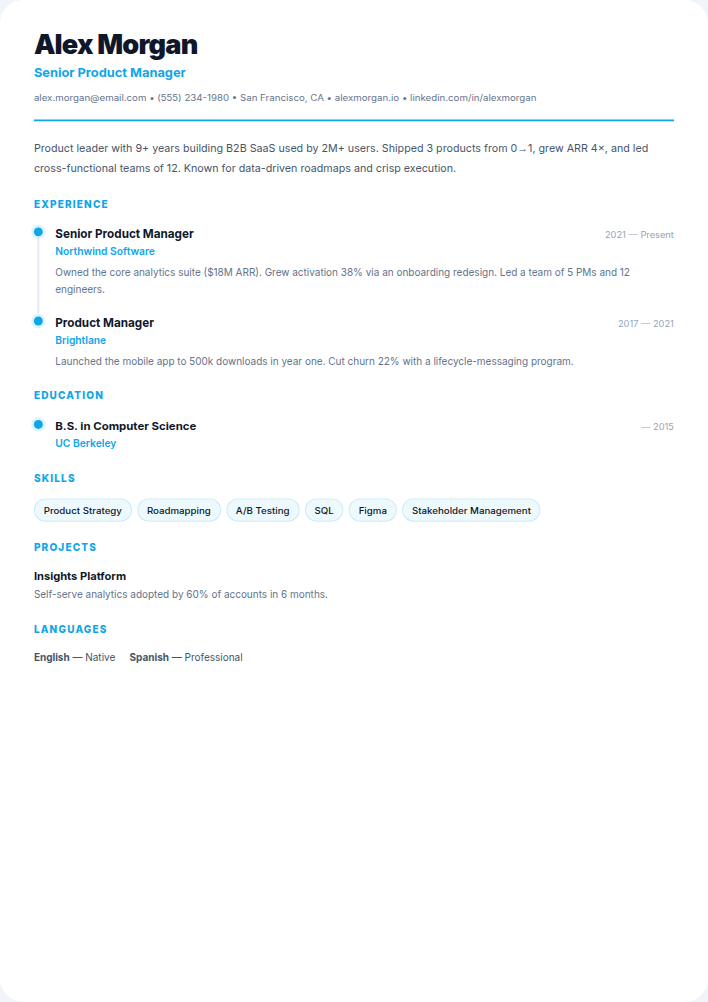
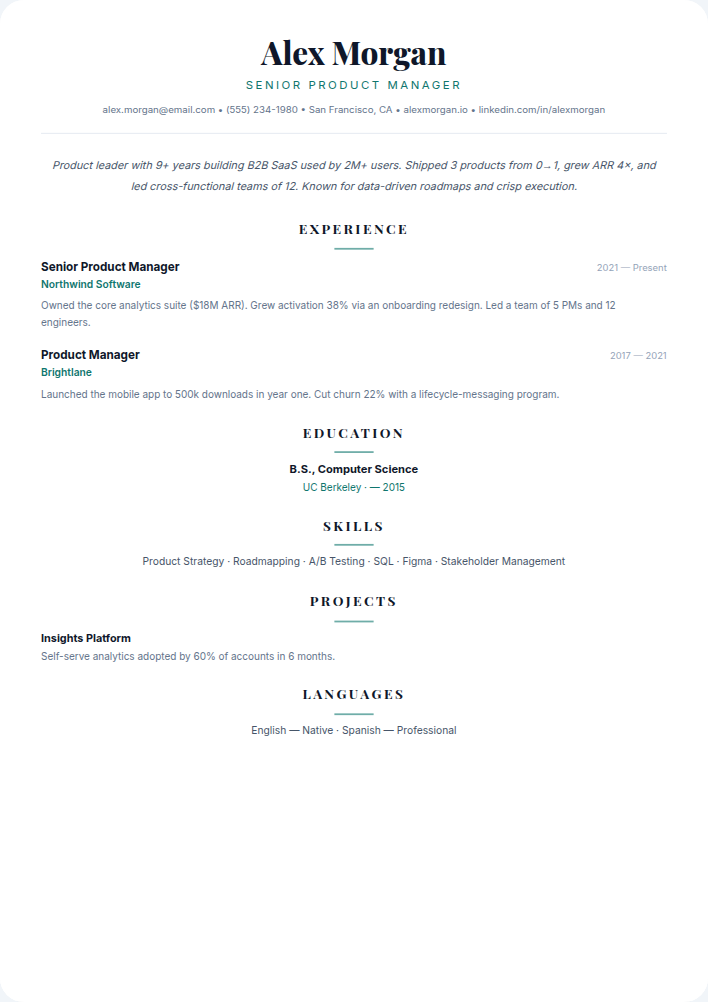
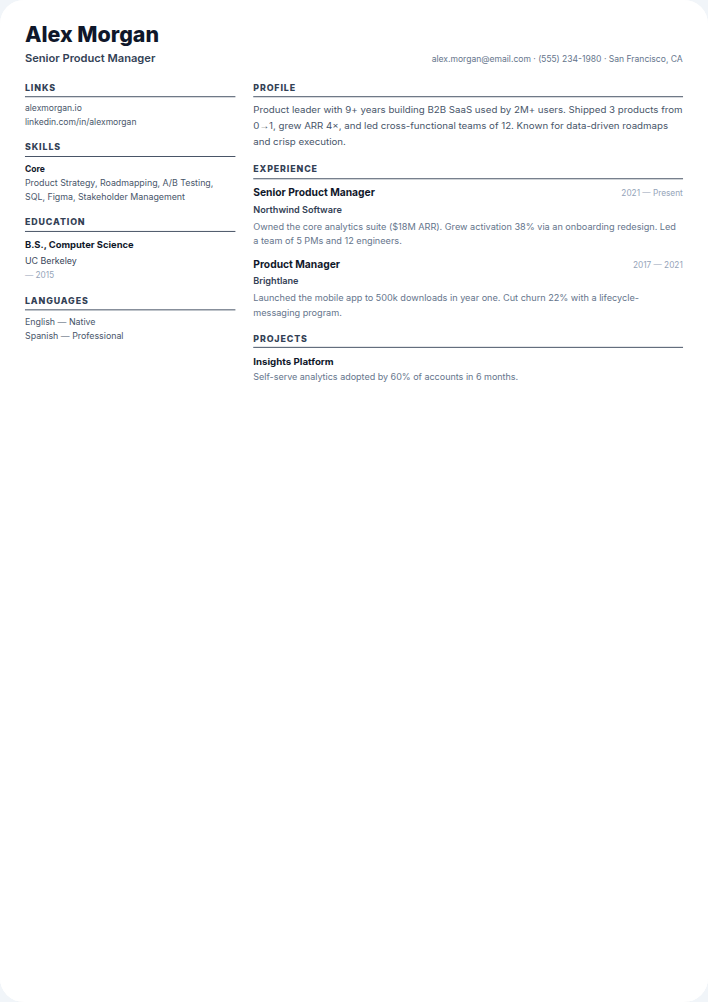
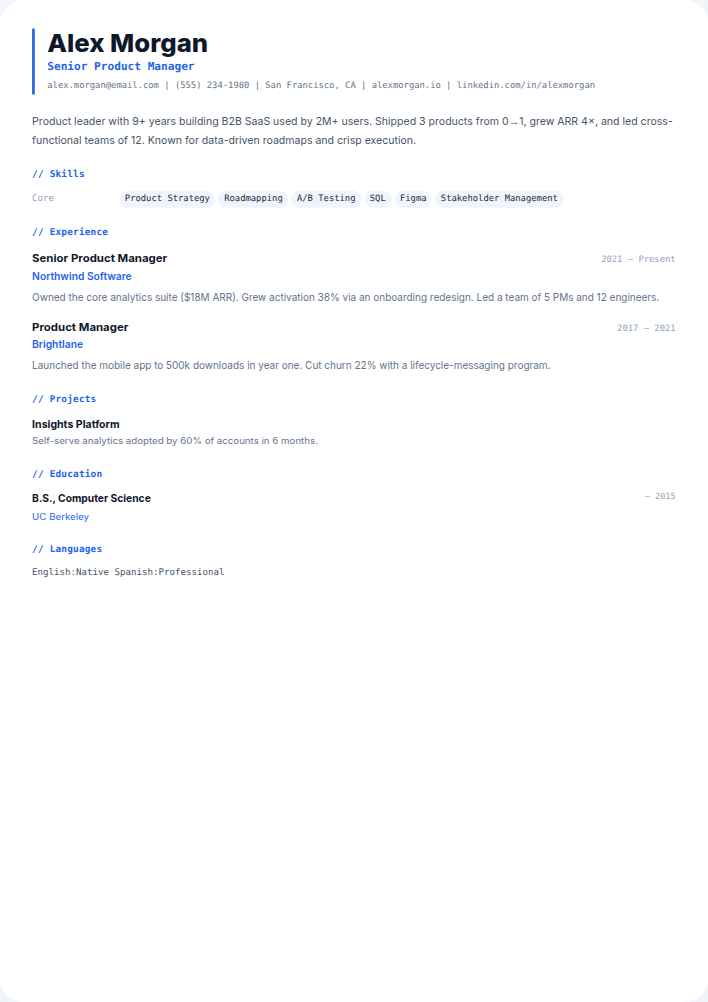
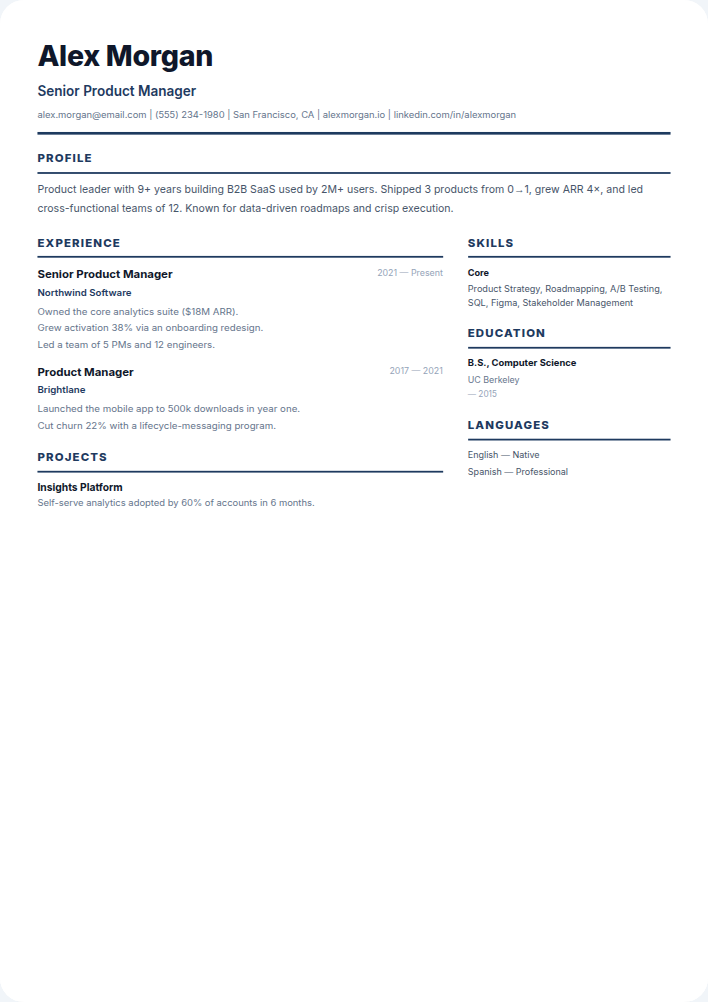
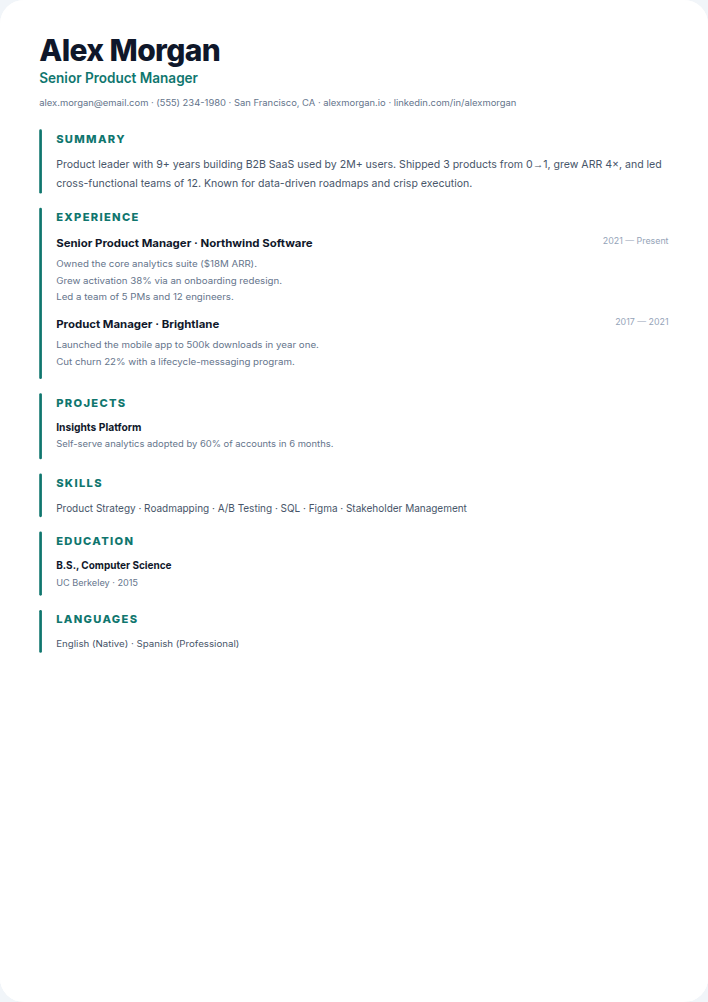
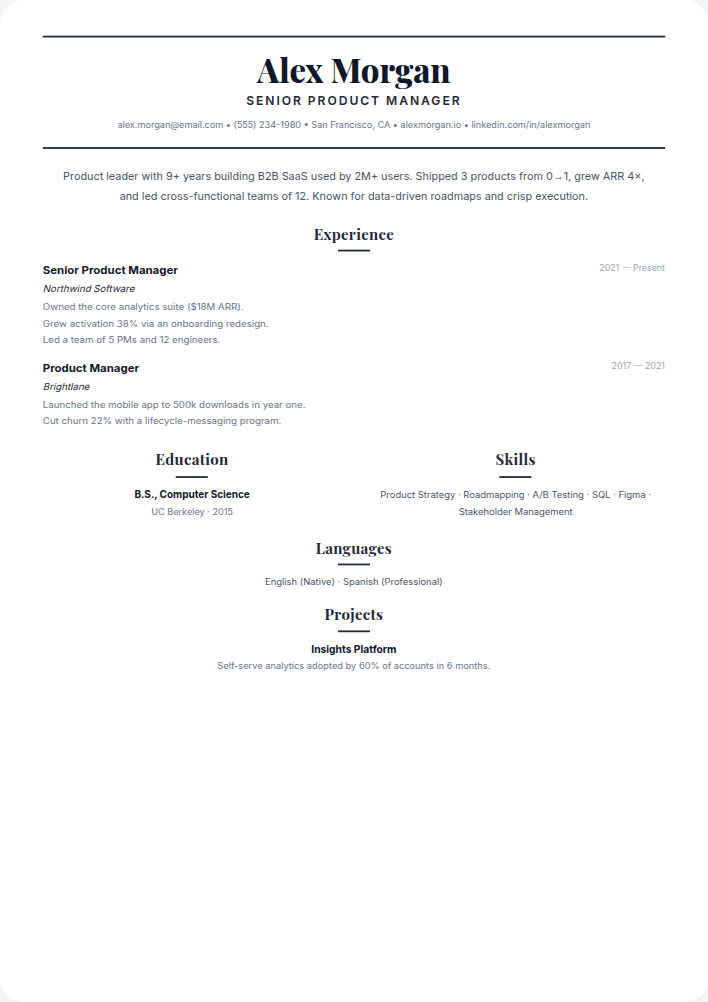
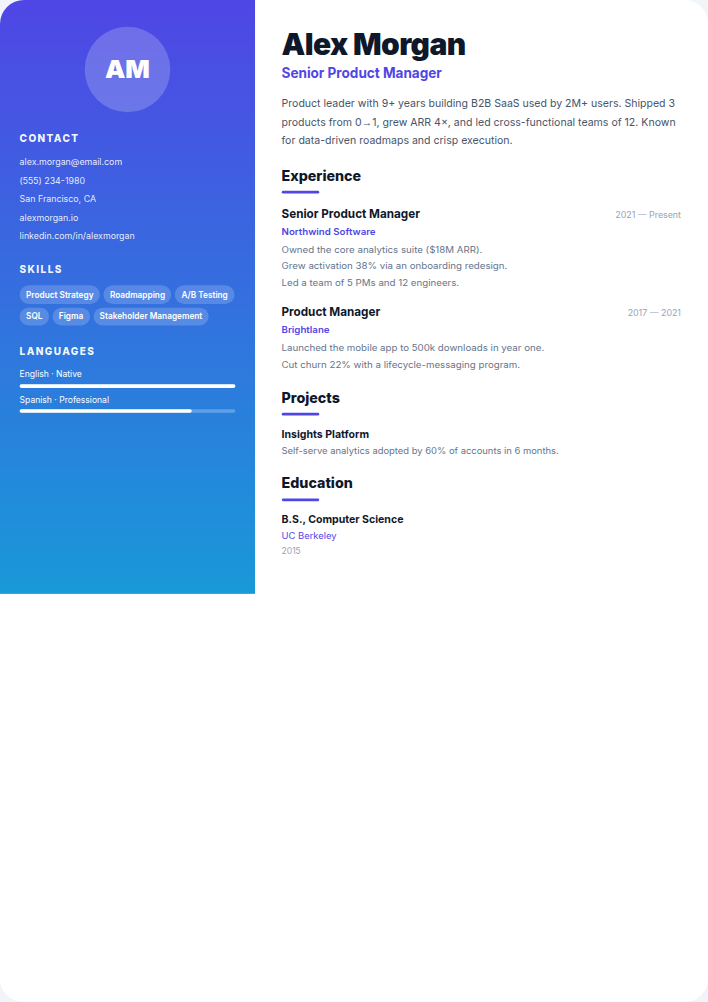
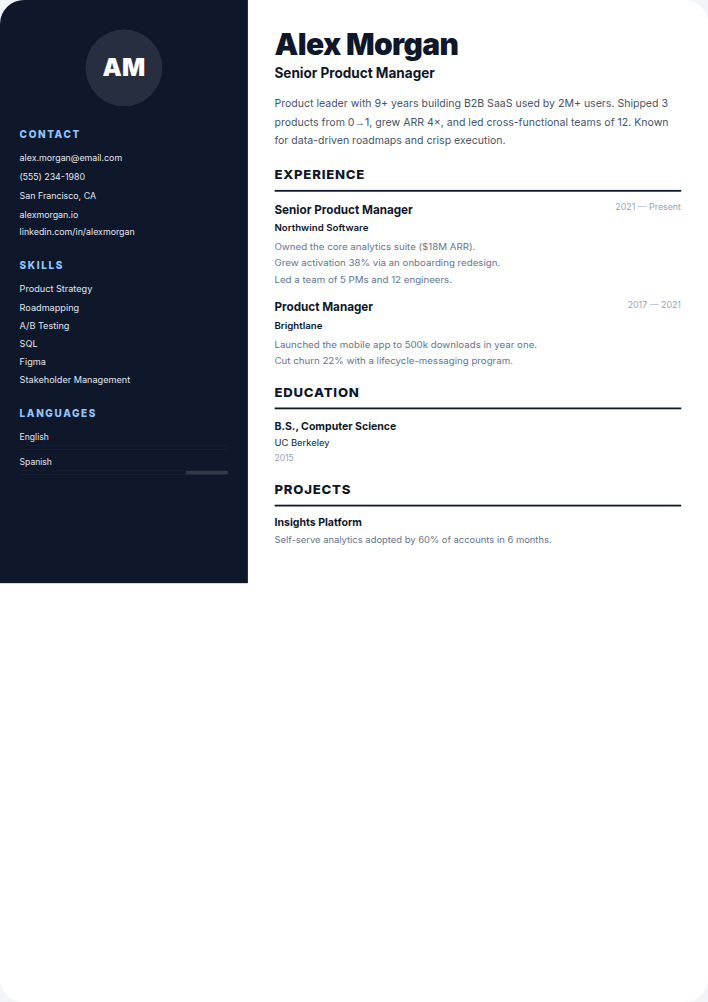
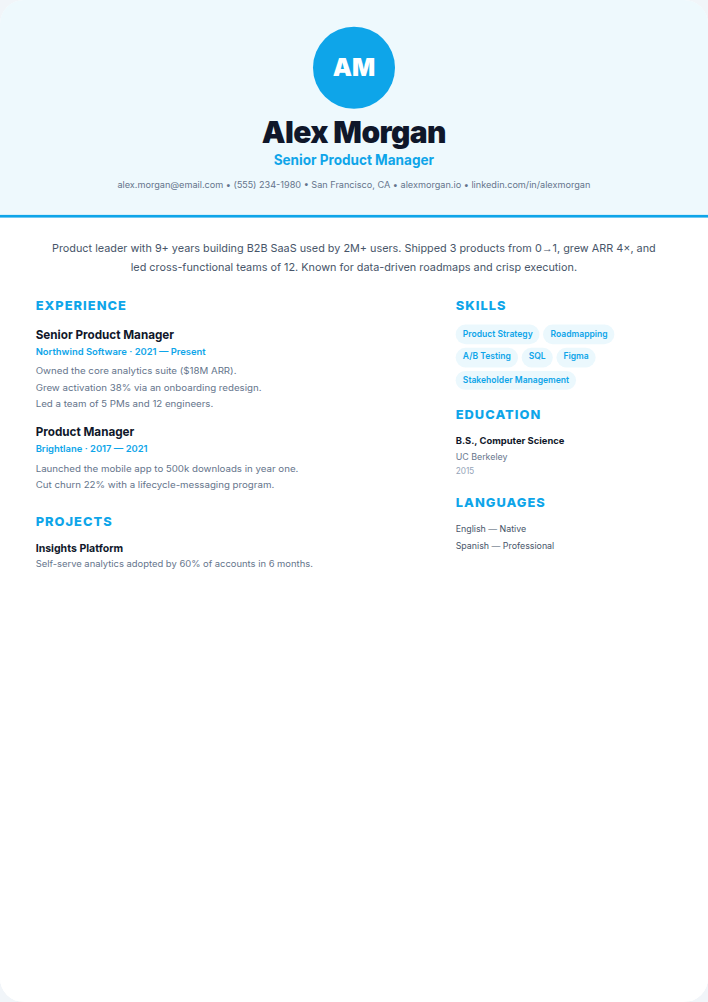
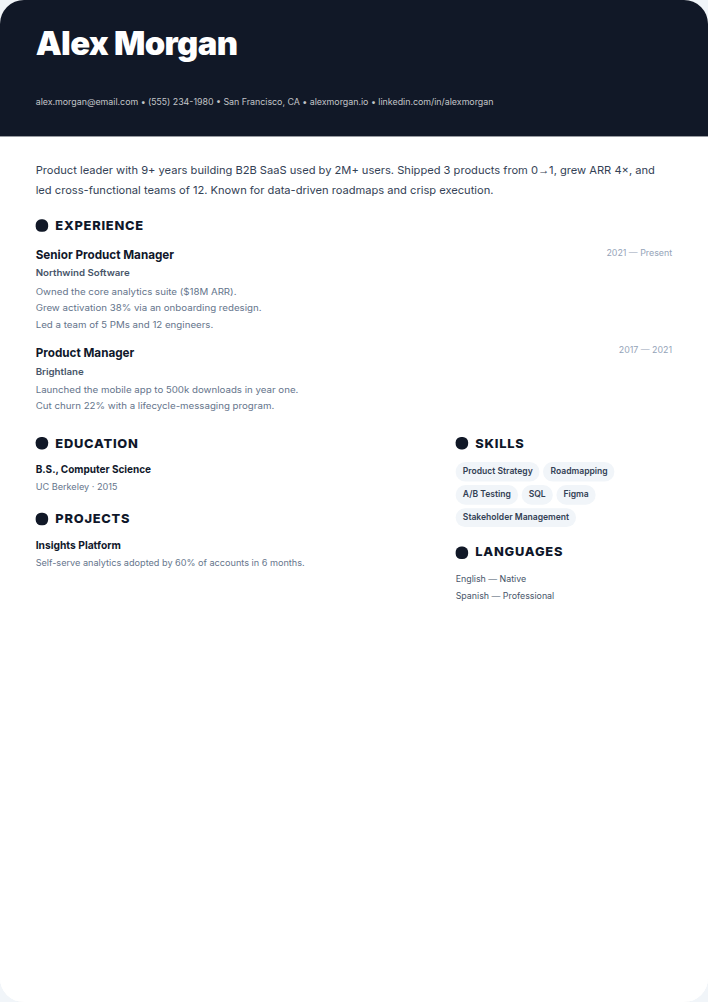
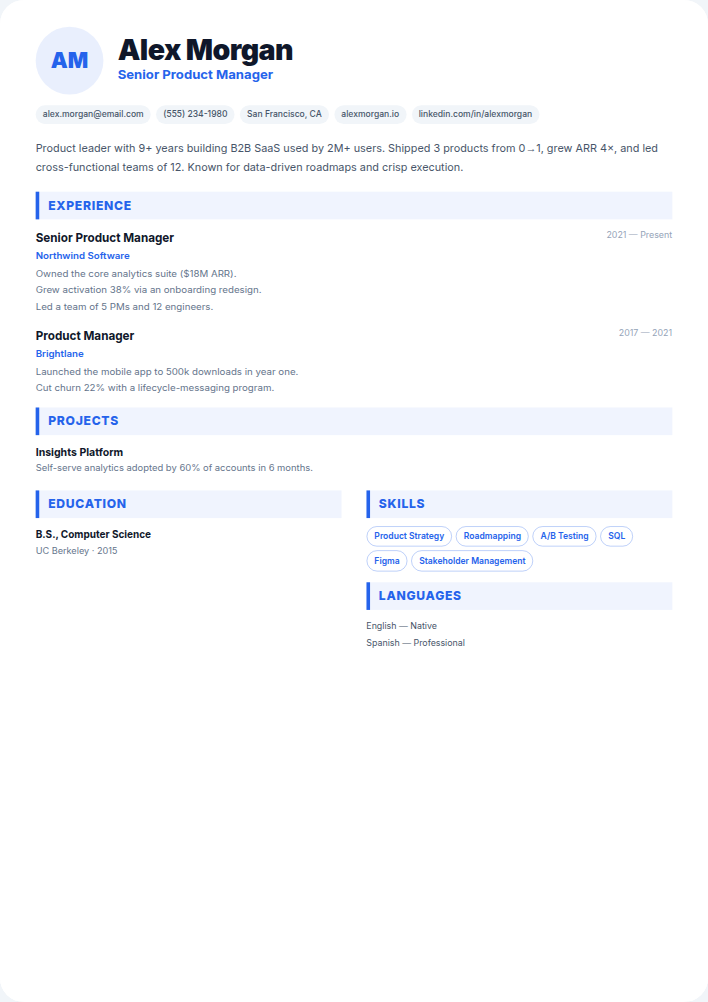
Choose from 35 professionally designed resume templates — from clean, ATS‑friendly layouts to bold graphic designs for creatives. Every template is fully editable with a live preview and exports to PDF, Word, and plain text — completely free, no credit card required.
Build my resume free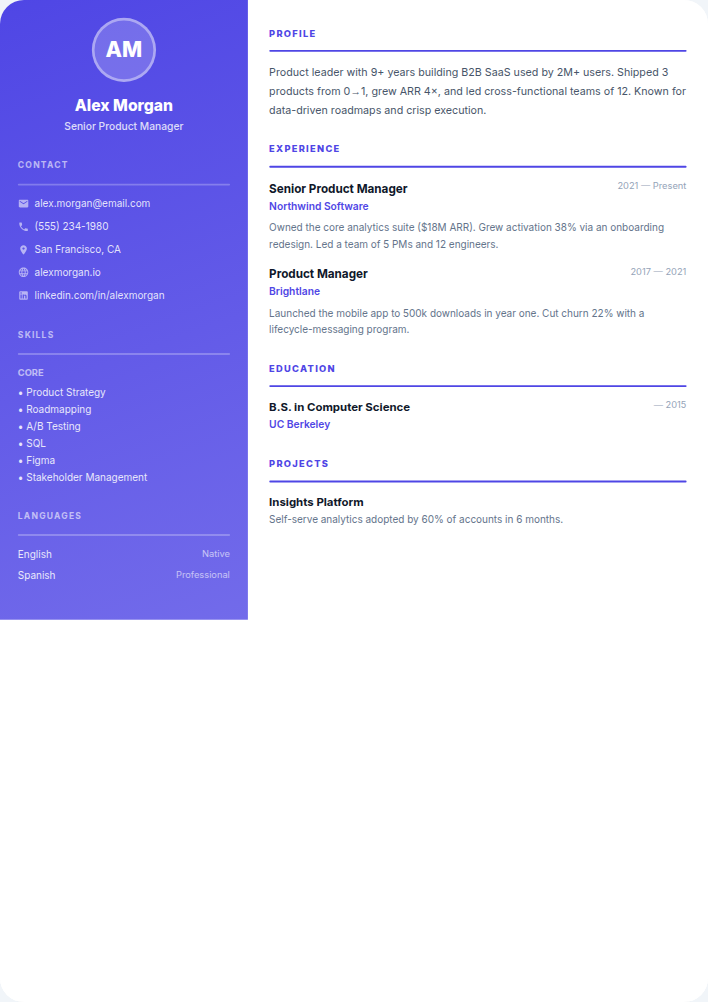
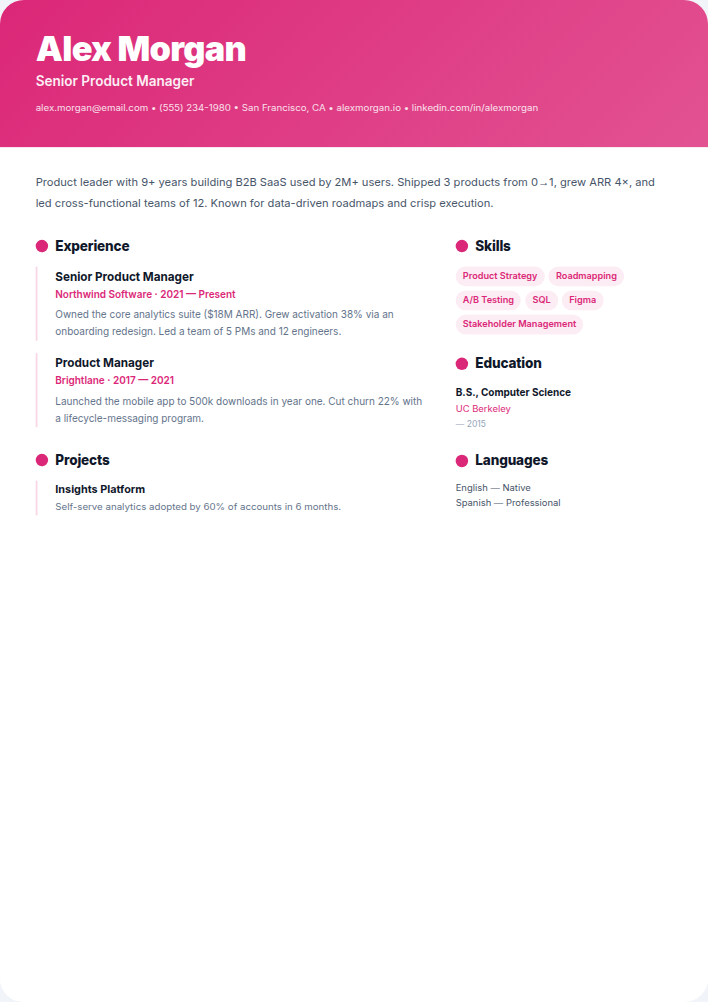
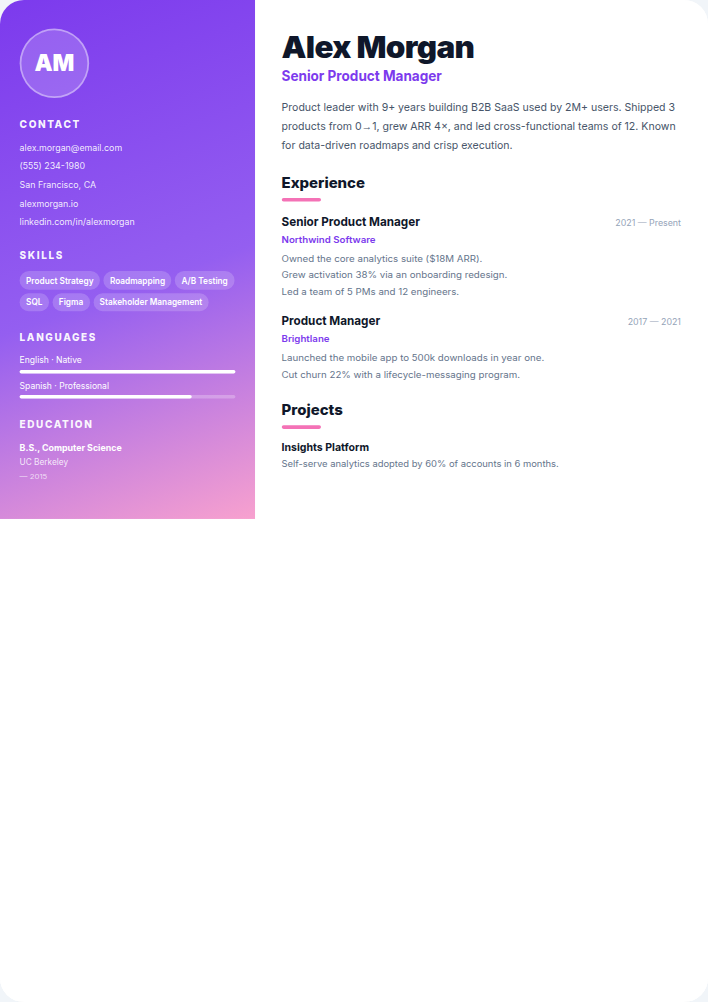
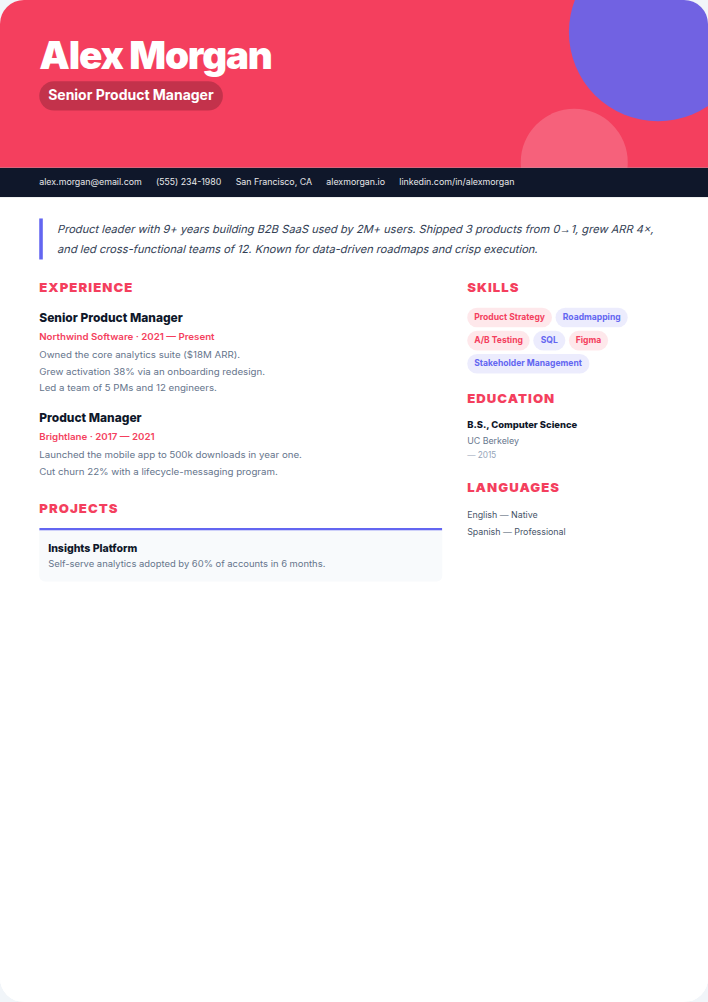
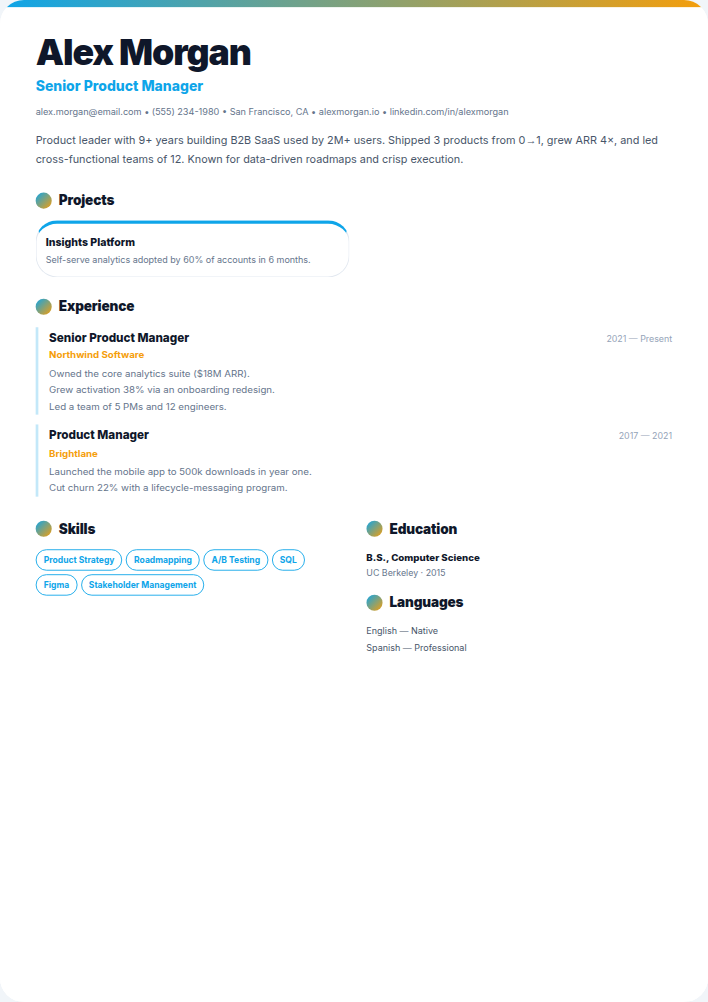
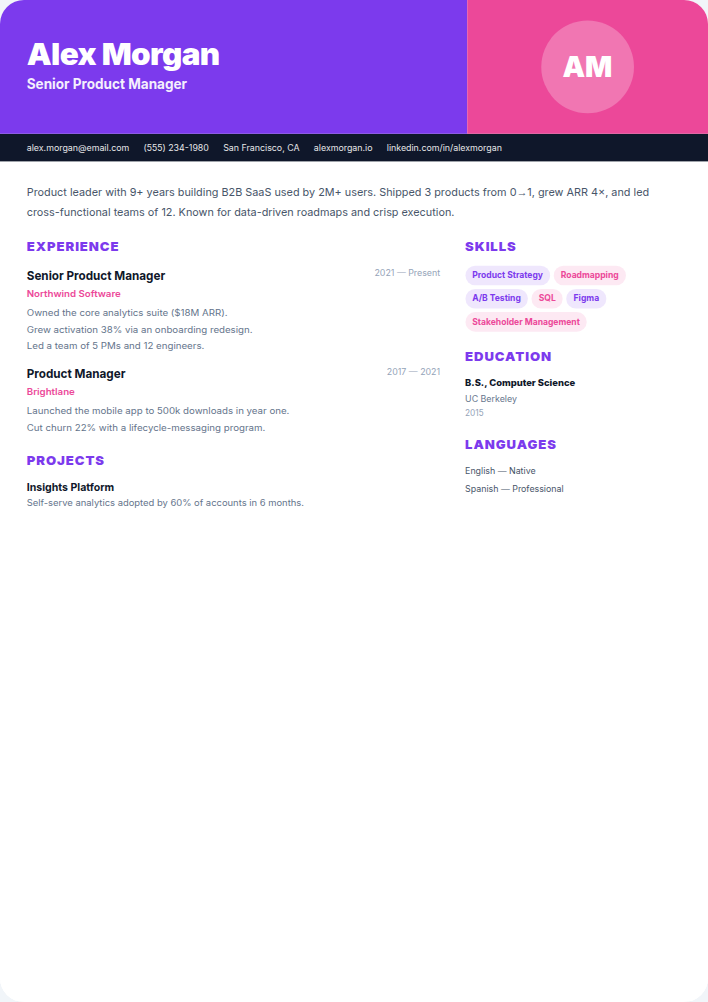
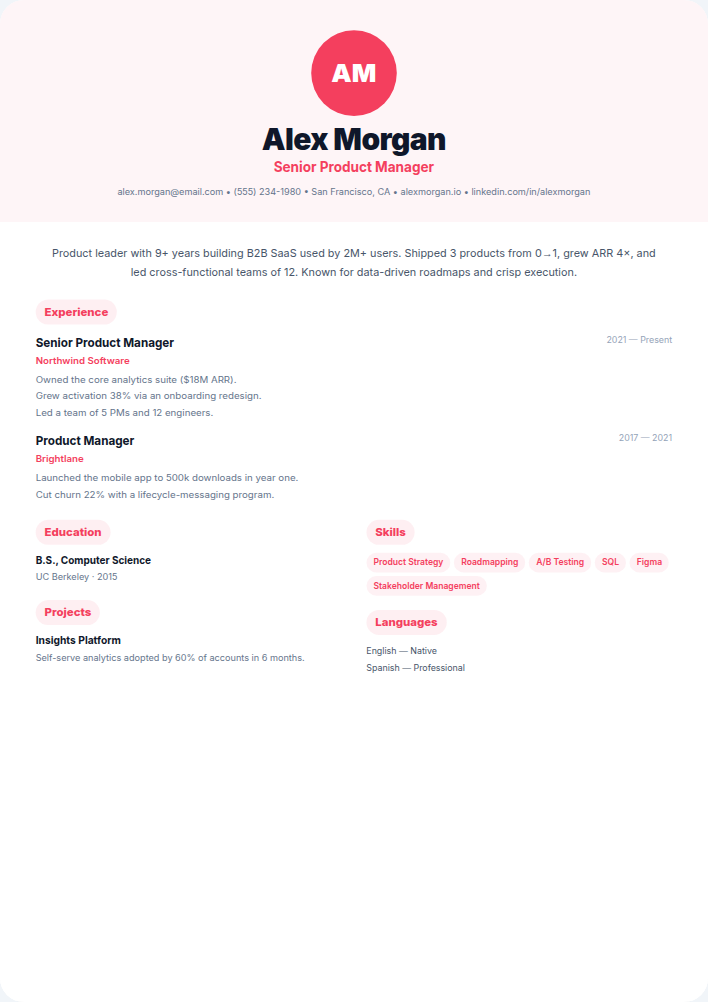
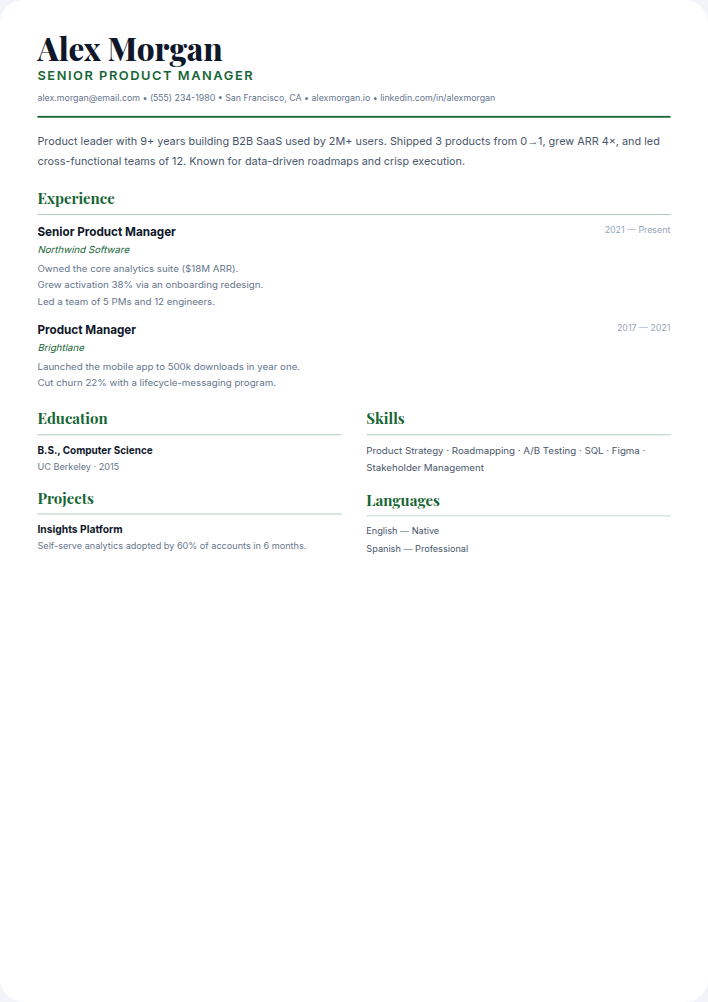
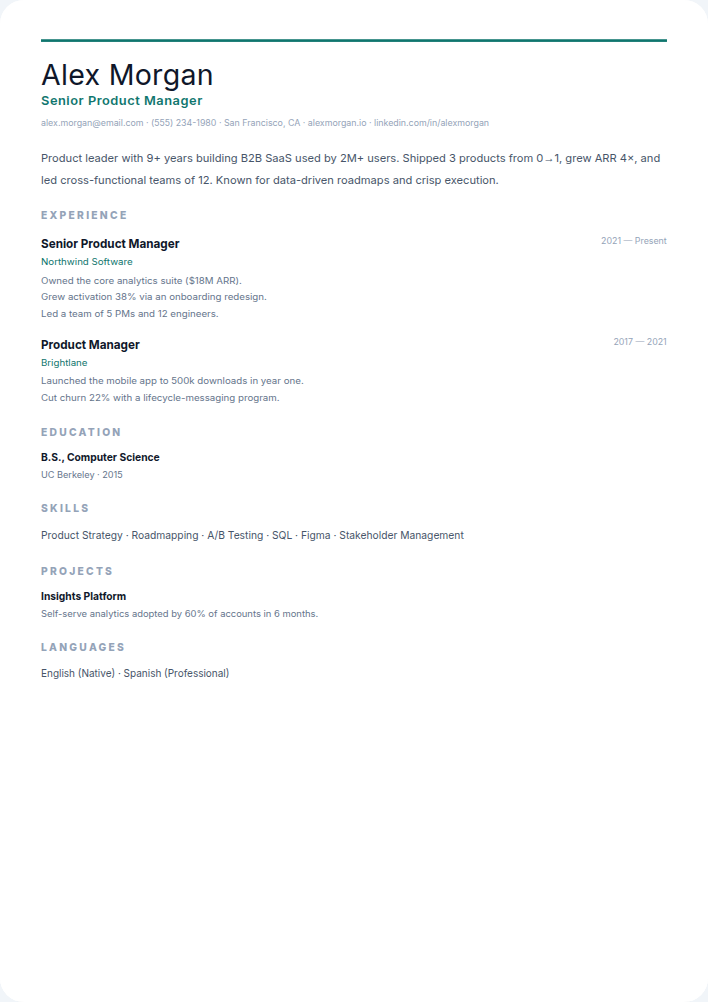
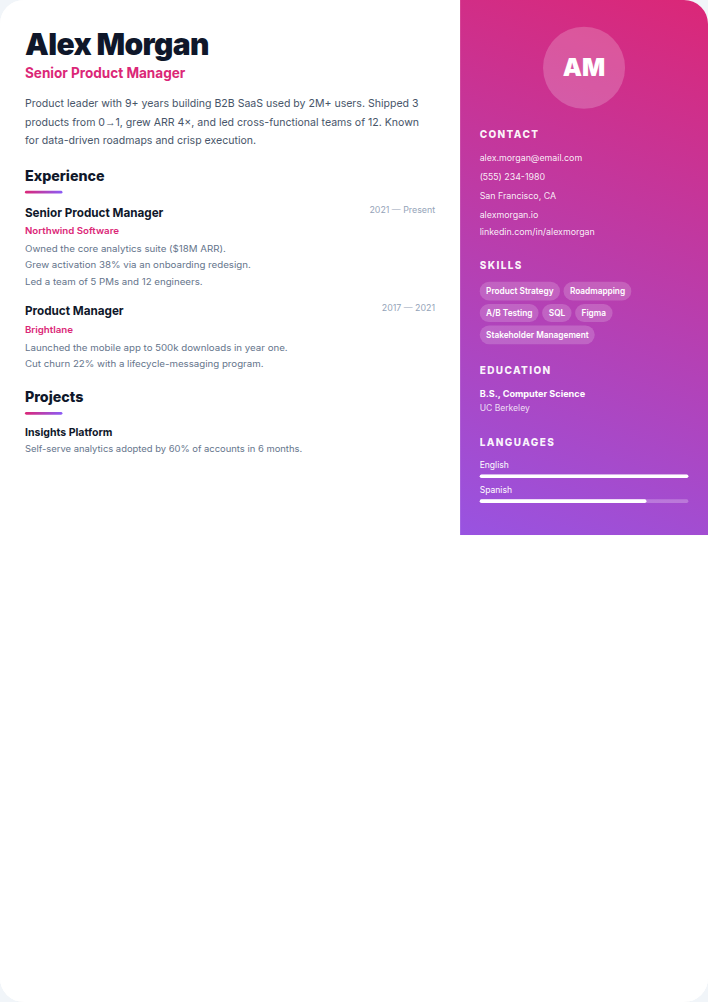
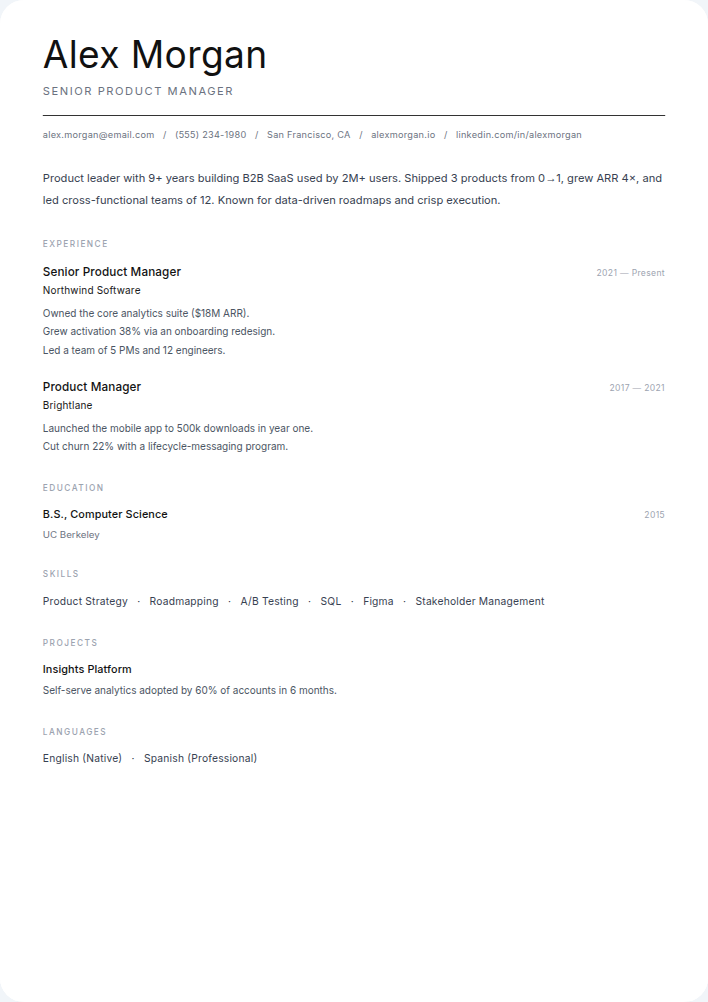
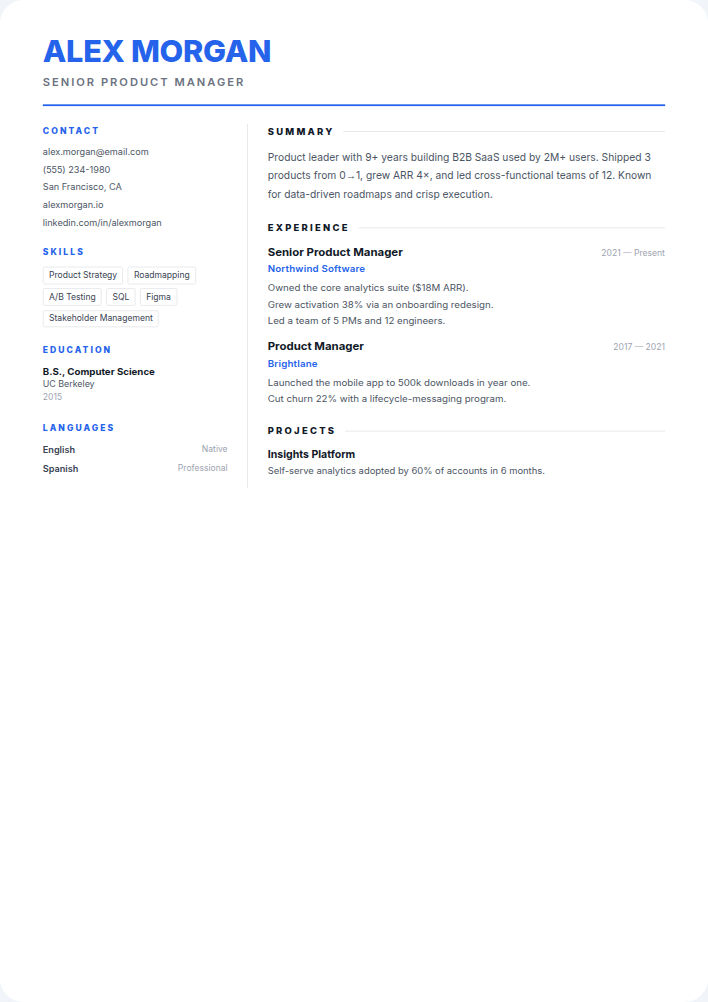
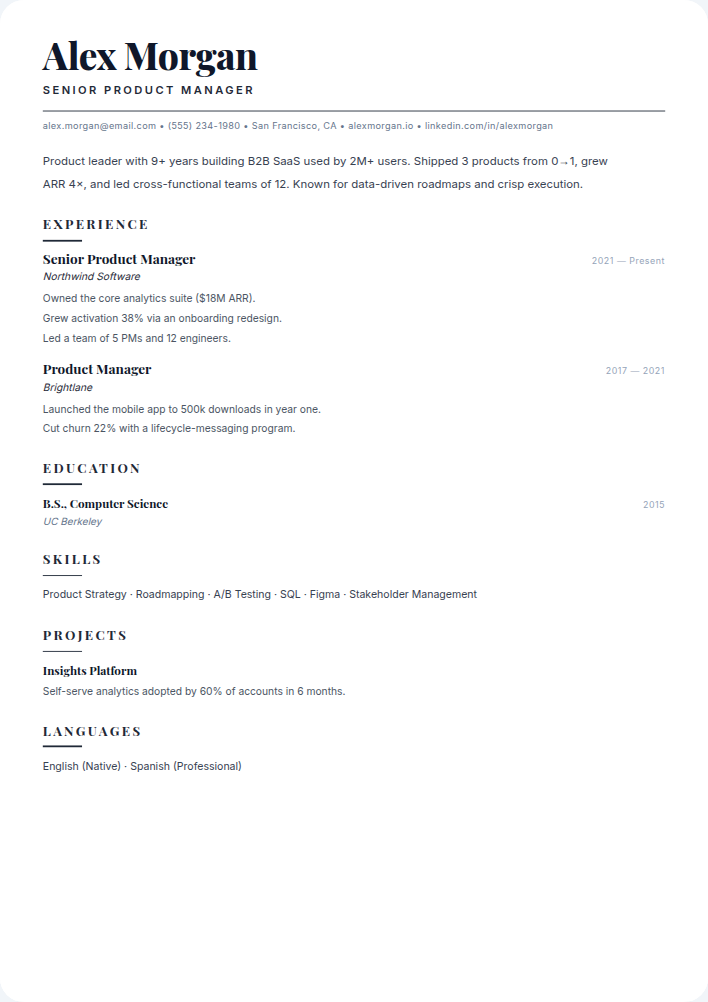
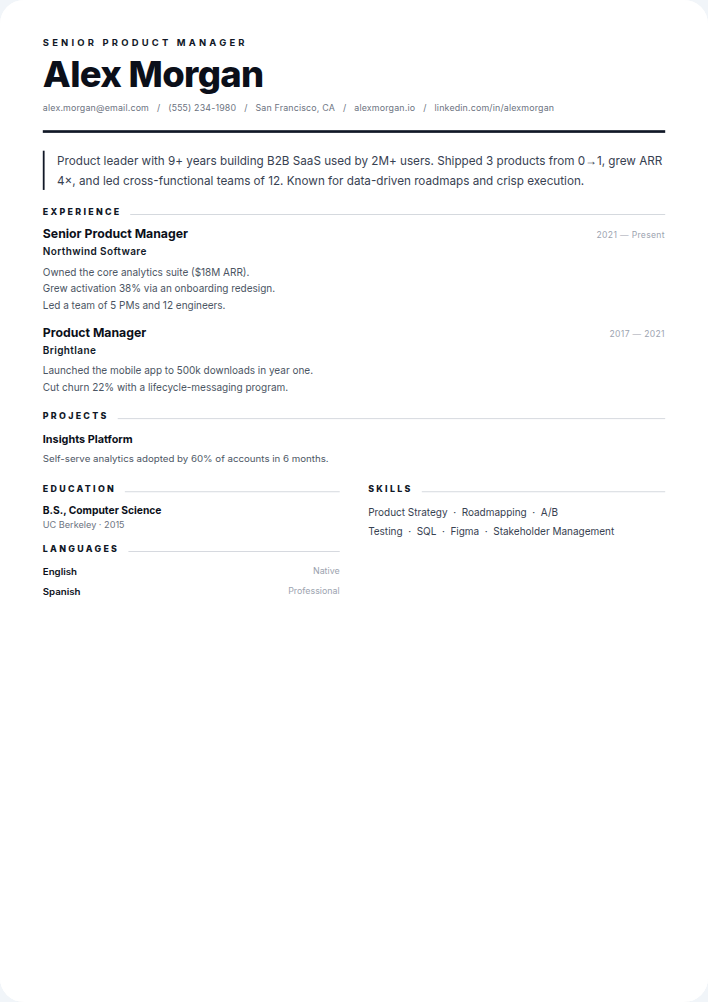
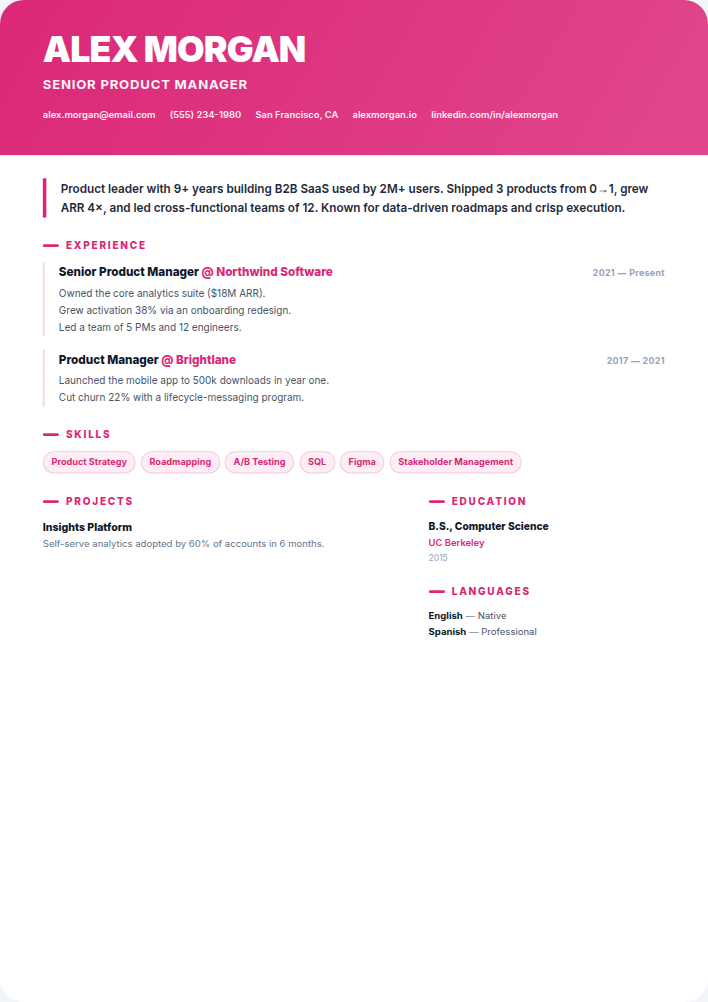
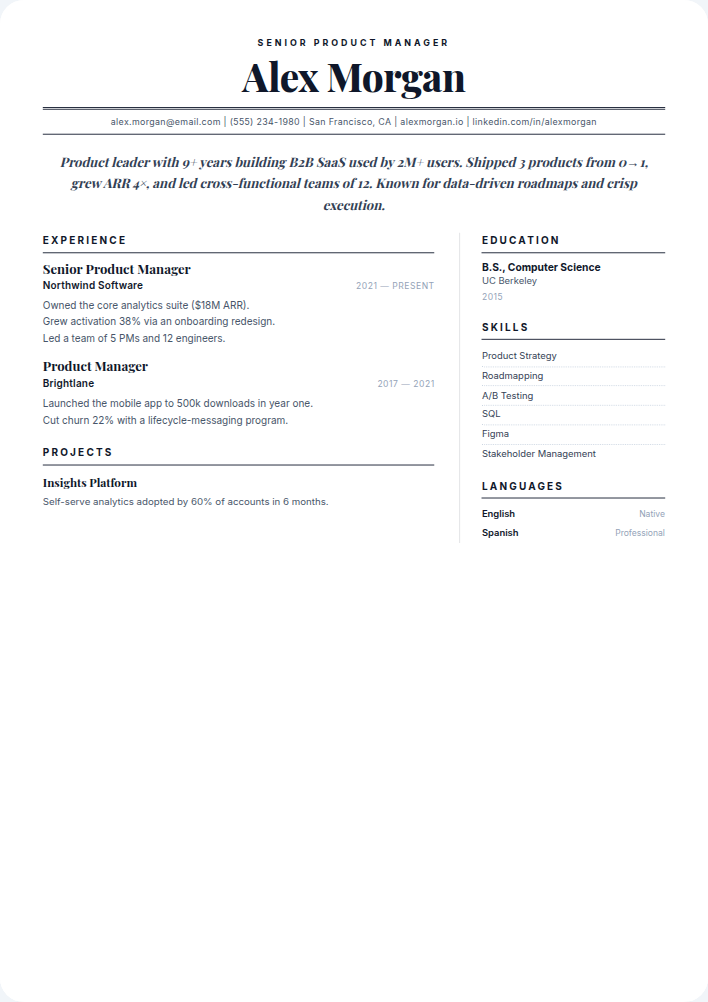
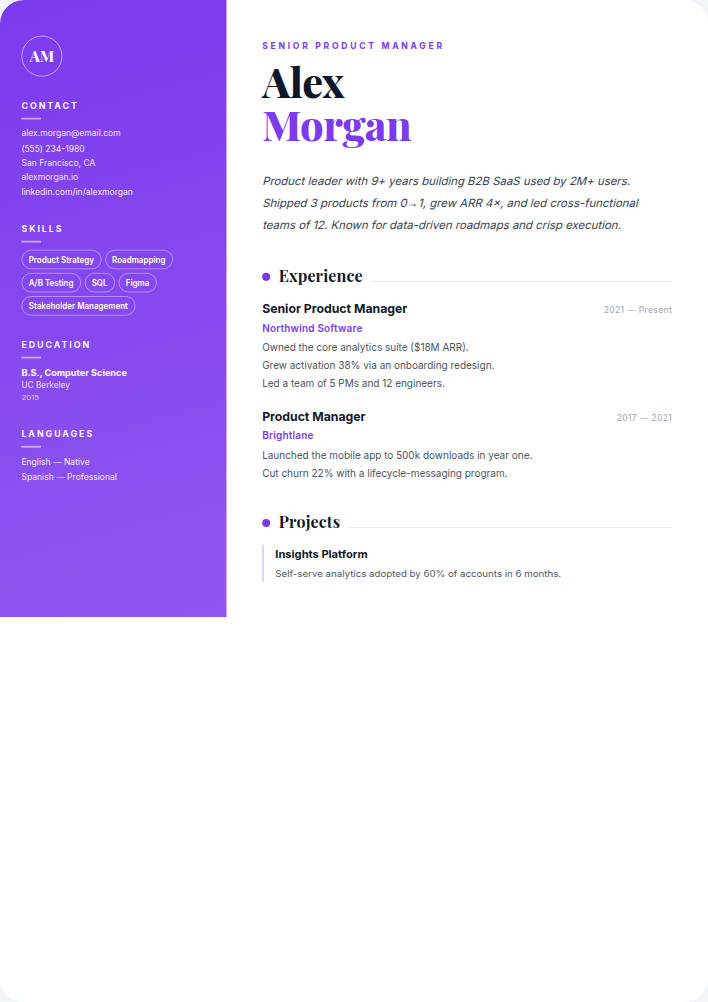
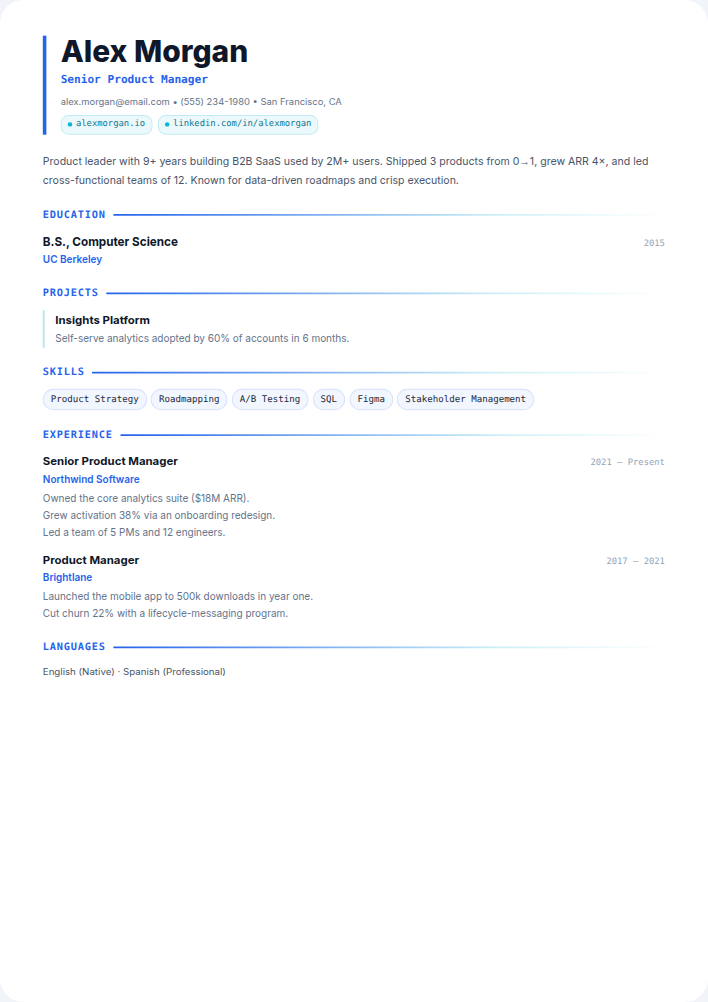
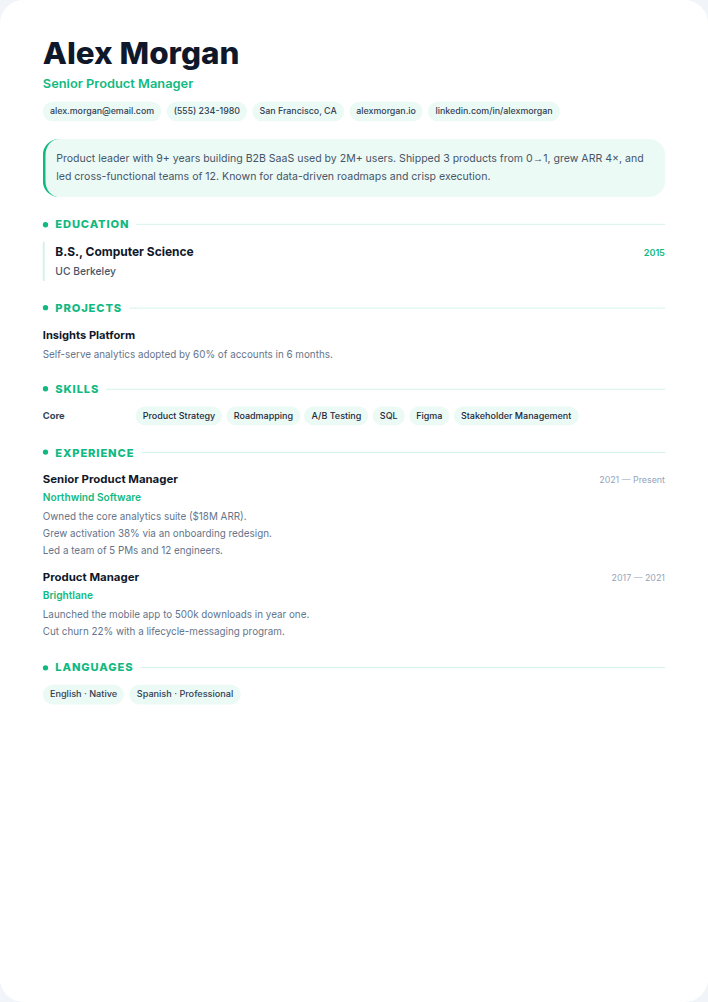
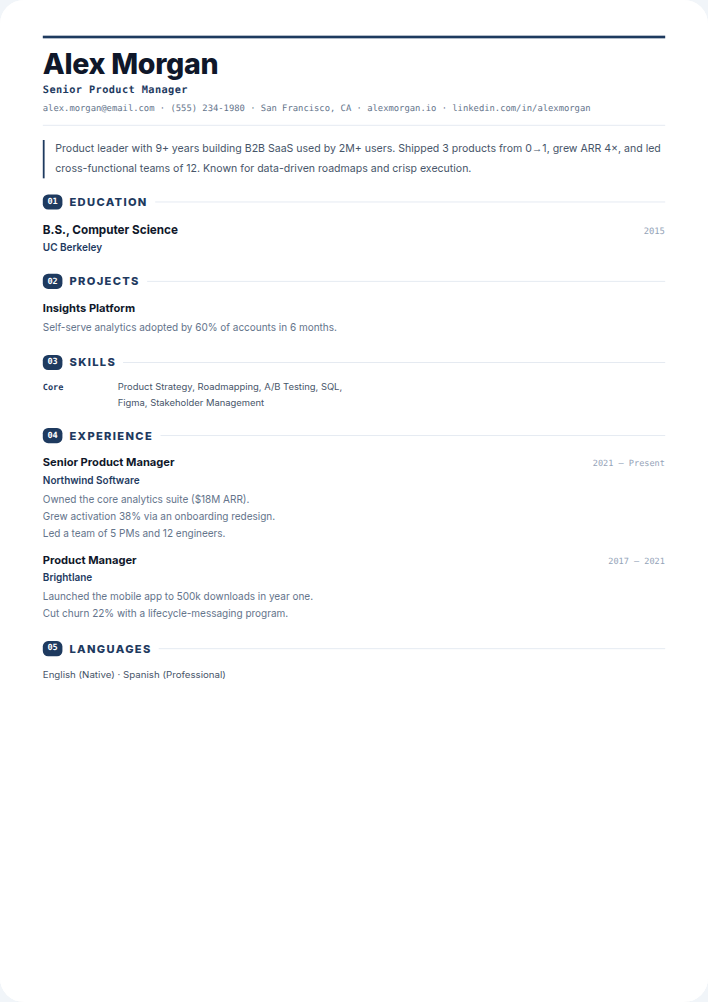
New to resume writing? Read our step‑by‑step resume guide.
Start for freeHow to choose a resume template
Start from your industry and the way your resume will be read. If you are applying through large online job portals, readability for both software and people comes first: a clear single-column or simple two-column layout with standard headings. If your applications go directly to a hiring manager, for example in design, marketing or a small company, a more distinctive layout can help you stand out, as long as the content is still easy to scan.
- Finance, law, government and healthcare: classic, minimal or corporate styles with restrained colour.
- Technology and engineering: compact layouts that fit projects, skills and experience on one or two pages.
- Design, marketing and media: creative layouts, paired with a portfolio link near the top.
- Students and graduates: layouts that put education, projects and skills before experience.
- Senior and executive roles: two-page layouts with room for a leadership summary and key achievements.
Are these templates ATS-friendly?
Every template is built from real text, not images, with standard section headings, so the content can be extracted by applicant tracking systems. Simpler layouts are the safest choice when you apply through large job portals. If you use a more graphic template, run it through the free ATS checker before you send it.
Change templates without starting over
Your content and your layout are kept separate, so you can switch templates at any point and your details move with you. Many people keep one conservative version for online applications and one more visual version to hand out at networking events or send directly to hiring managers.
See templates filled in with example resumes · Chronological vs functional resume format